More articles 4 min read
Meta Ads Safe Zones: Reels and Stories Margins in Pixels
Meta's safe zones for Reels and Stories: 14% top, 35% bottom, 6% on each side. The values in pixels and what covers each zone.

Contents
On a Reel or a Story, part of the screen is not yours. The account name sits at the top, the ad text and the call-to-action button at the bottom. A hook placed in the wrong spot gets covered, and the ad loses its message without anything telling you.
Safe zones are the margins Meta recommends keeping clear. The values below come from Meta’s Ads Guide and Meta’s Help Center, read on October 12, 2026.
What are Meta’s safe zones for Reels and Stories?
Meta’s Ads Guide recommends keeping roughly 14% at the top, 35% at the bottom and 6% on each side of the creative free from text, logos and other key elements.
| Creative | Top (14%) | Bottom (35%) | Sides (6%) | Usable area |
|---|---|---|---|---|
| 1080 x 1920 px | 269 px | 672 px | 65 px | 950 x 979 px |
| 1440 x 2560 px | 358 px | 896 px | 86 px | 1268 x 1306 px |
The percentages are Meta’s, the pixels follow from them. The conclusion is the same at both sizes: the usable area is barely half the height of the screen.
1440 x 2560 px is the resolution the Ads Guide recommends for Stories and Reels. 1080 x 1920 px remains the most common export size.
What does each zone hide?
Top (14%): the account name and picture, the Sponsored label and, in Stories, the progress bar.
Bottom (35%): the ad text, the account name on Reels and the call-to-action button. It is the margin people forget most, because it is the biggest. A hook placed 20% from the bottom is invisible.
Sides (6%): the edges of screens taller than 9:16 and, on Reels, the interaction buttons on the right edge. Meta justifies these margins with devices whose screens are taller than 9:16.
The bottom margin is the one people forget most because it is the largest: 35% of the screen. A hook placed 20% from the bottom ends up under the ad text and the call-to-action button.
Do Reels and Stories have the same margins?
Yes, in the current Ads Guide: 14%, 35% and 6% for Stories and Reels, on Facebook and on Instagram.
Two nuances:
- Reels with a disclaimer. Meta’s Help Center asks you to keep the bottom 40% clear when the ad carries a mandatory disclaimer, so it does not get covered.
- Older pages give other numbers. A few Ads Guide pages (Facebook Stories video, Messenger Stories) still mention 14% at the top and 20% at the bottom. Stick to 35%, which is safer and appears on most pages.
What about the Feed?
Meta’s Help Center says 9:16 creatives delivered in the Instagram Feed follow the same guidance as Reels and Stories. For other Instagram Feed formats, it asks you to keep the bottom and side edges clear.
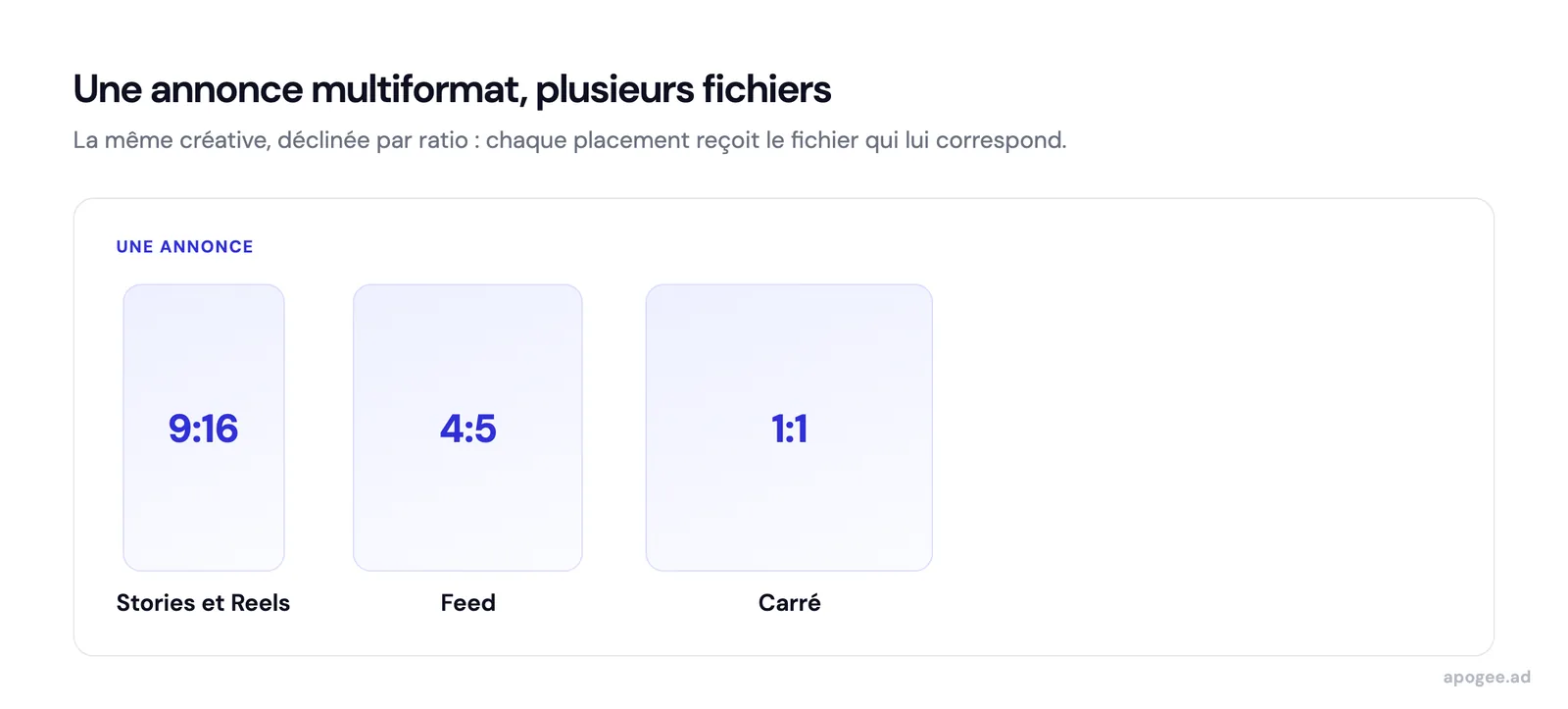
At 4:5, the interface covers far less of the image: the ad text and the button sit below the creative, not on top of it. The real problem is a 4:5 creative sent into a Story because no vertical version exists. That is what multi-format 4:5 and 9:16 ads solve: one version per ratio in the same ad.
How do you check safe zones before launch?
During editing. Create a template layer at your export size, with the three margins in color, and keep it on top of every vertical creative. It is the cheapest check: done once per creative, before any export.
In Ads Manager. Meta offers a yellow safe zone guide on the ad preview. It lets you check one ad, not a batch of fifty.
On import into Apogee. Apogee’s bulk upload reads each file’s ratio and sends the 9:16 version to Stories and Reels. It does not check where the text sits in the image: safe zones remain an editing check.
Checking safe zones after launch costs a new export and a new ad. Checking them during editing costs one template layer, set once on top of every vertical creative.
What safe zones do not solve
Respecting the margins guarantees the text stays visible, not that it is readable. A font that is too thin or too small stays unreadable, even in the middle of the screen.
Safe zones do not protect you from Meta’s automatic changes either. Advantage+ creative enhancements can crop or add elements, and they are switched off creative by creative, as explained in the article on disabling Advantage+.
Finally, Meta’s interface changes. The values on this page are dated October 12, 2026: check them again before a large production run.
For the other dimensions by placement (ratios, resolutions, file sizes, lengths), see Meta Ads specs 2026. The Meta Ads launch checklist includes safe zones among its 23 checks.